Heatmap and scrollmap
See where visitors click and how far they scroll, plus rage clicks and dead clicks. Without cookies and without an outside dashboard.
Tools and plugins · IN SHORT
Help with a specific question.In your browser or on your site.Start small, for free.
Choose a tool or pluginExplore what matters
CHOOSE YOUR TOOL
Use a browser tool, download a plugin or open a practical guide. See what you can do and what is not available yet.
20 / 20
See where visitors click and how far they scroll, plus rage clicks and dead clicks. Without cookies and without an outside dashboard.
Measures LCP, INP, CLS and TTFB on your real visitors and shows the 75th percentile per page and per device. Below twenty measurements no figure appears.
See which AI crawlers fetch your pages, and say in robots.txt what they may do with your content. 34 known crawlers, no IP address.
Eighteen machine testable points from EN 301 549, and a statement that matches what was measured. No overlay.
LocalBusiness structured data with the fields a Dutch company genuinely has, plus a check on whether name, address and phone number are the same everywhere.
Record per post how much AI was involved, show it in a sentence you write yourself, and publish it machine readable.
Puts an llms.txt to the standard on your domain, built from what you fill in in the admin. The same page also carries the template to write it yourself.
Measures per page which parts a language model can quote on their own, with the whole calculation. The same page also carries the prompt to do it by hand.
Enter your address and the scan checks a page automatically against 24 points, with the result straight away.
One question to the language model about your name, trade and city: does AI recognise your company, yes or no.
Fill in your company and topic and get a post ready to use for your Google Business Profile.
Paste a review and get a fitting, personal reply back that you can post as it is.
Headlines and descriptions that fit inside the limit, written from your page and your search term.
The full prompt with which you have a keyword plan for a local small business written in five minutes.
Is your Google Ads campaign still running on DSA? The check questions and what you do with the outcome.
The checklist with six criteria you judge for yourself whether your content is worth linking to.
What link building costs, set out per niche in an honest price table. No calculator needed.
The questionnaire with which you decide how exposed your traffic is to AI Overviews, and what you do about it.
The check on your Google Business Profile is built, but the connection with Google is not switched on. The page says so and points you to the free SEO scan.
The setup is online, but there is no sign-up page and no dashboard yet. The page explains how you do it by hand today.
The plugins are free. Test on a staging site and make a backup first. We have not yet verified activation on a running WordPress installation. Browser tools may process your input; each tool explains this.
WHAT MATTERS
Enter your question or web address in a suitable tool. You do not need to install anything on your own website.
Download the zip file and follow the installation instructions. Each plugin explains what it does and which data it uses.
Some work does not fit an existing tool. We can look at the small, specific solution you actually need.
01 / HOW IT WORKS
You do not need to know every tool. Start with what you want to solve.
View all detailsSearch the directory for the subject you are working on.
Check where the tool runs, what it processes and its current status.
Open the browser tool or download the plugin that fits your website.
A LOOK INSIDE THE TOOL
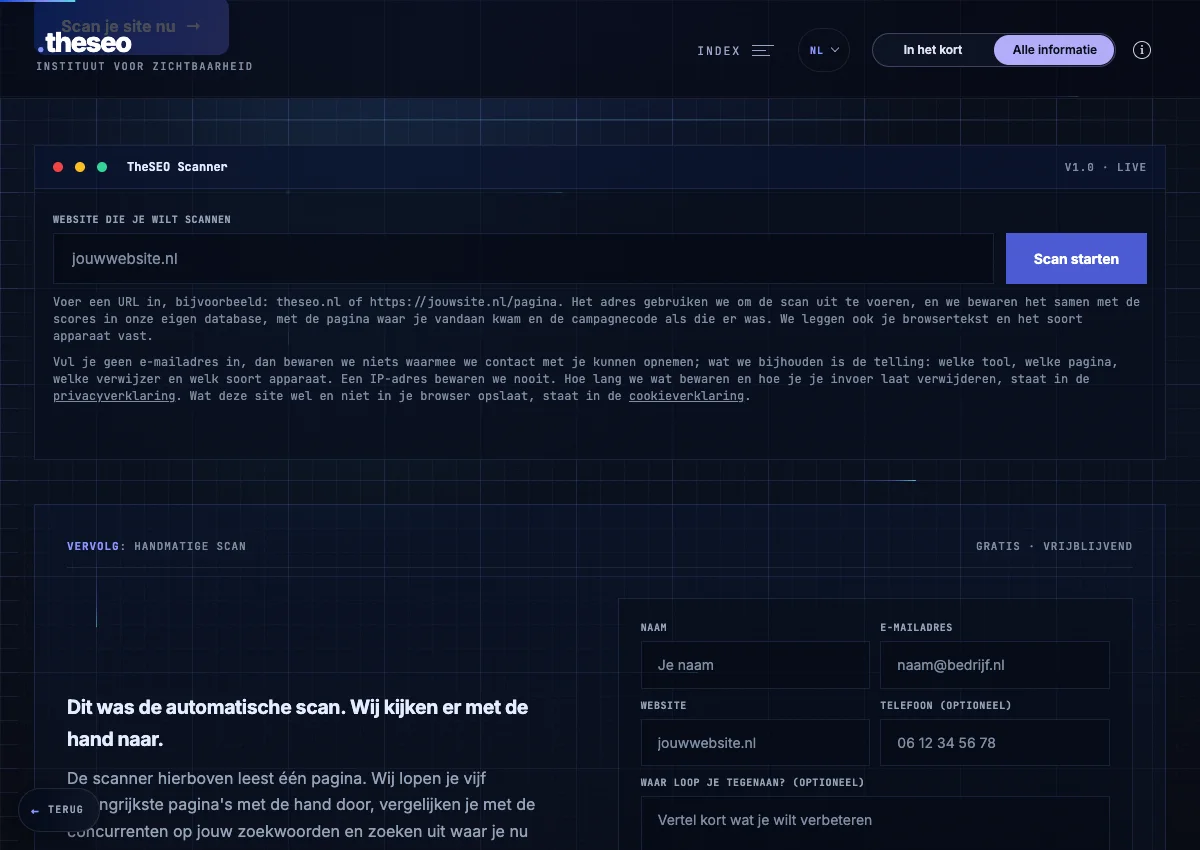
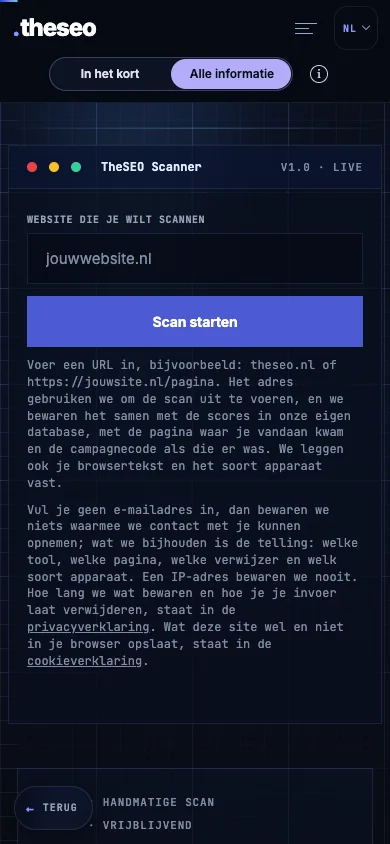
This is the SEO scan input screen. Open the tool to enter your own website address and start from there.
Open the SEO scanOpens in a new tabExample of the empty input screen. No scan has been started; this image contains no scan result or score.
02 / FREE TOOLS
Individual tools for SEO, AI and your website.
Free
Availability and data processing differ by tool. The directory shows each tool’s status; WordPress plugins need to be installed on your own site.
Open the tool directory
MEET THESEO
Working on websites and visibility since 2017. You speak directly with Gianluca.
Get in touch